Guide: Log In
You will receive an email from MIDAS Connect with the subject line “GlobeTax Account Enabled”. Open the email and click on Send Temporary ID Code to proceed:
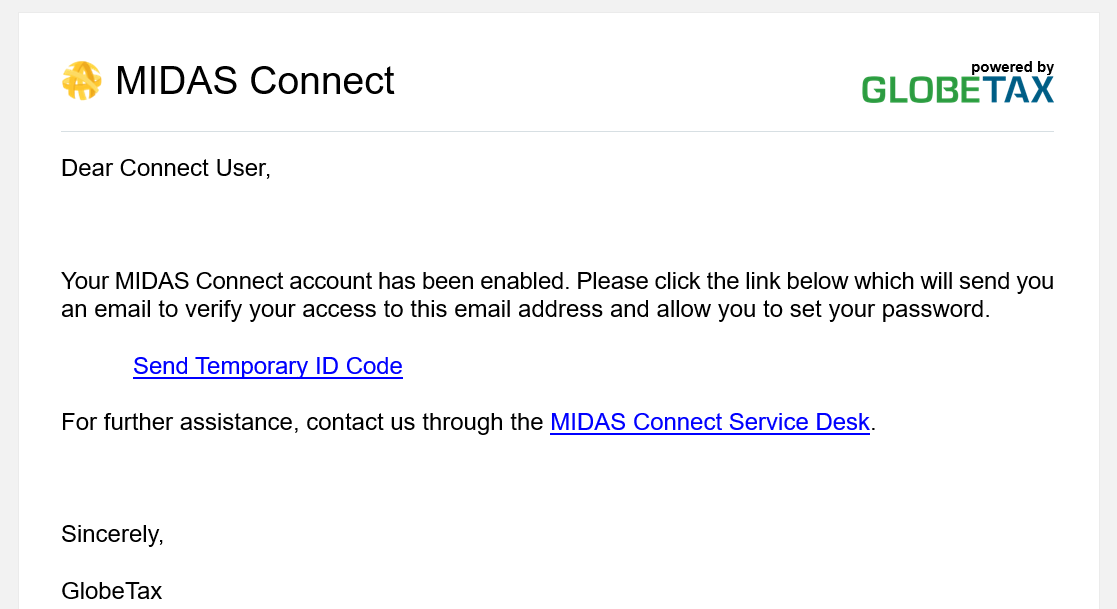
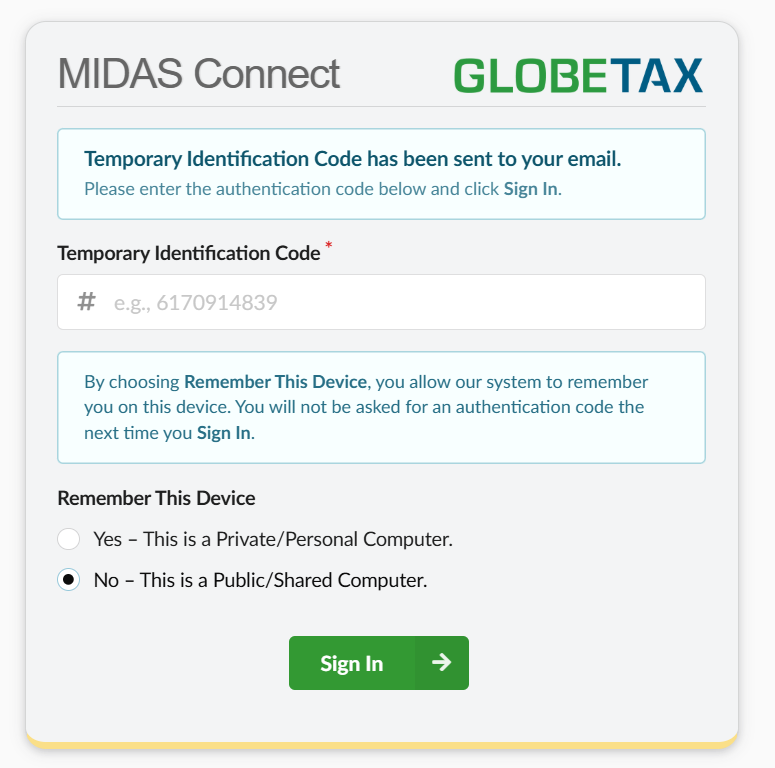
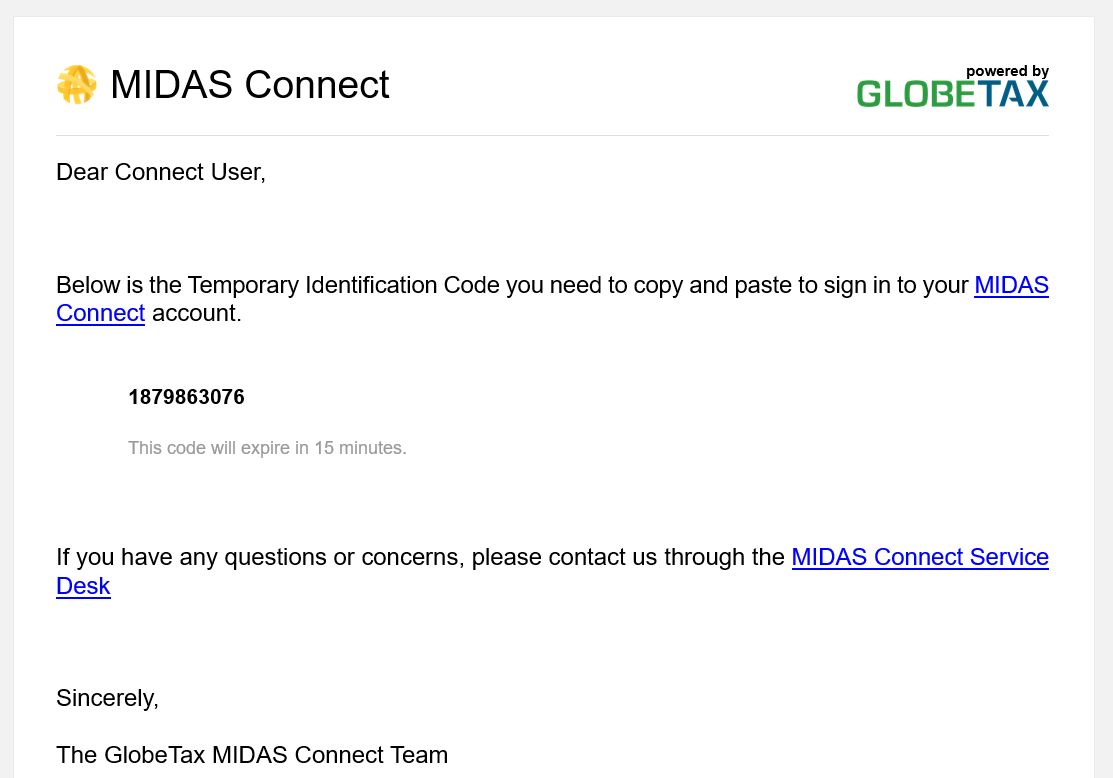
Clicking the link will take you to the following page. You will also receive another email from MIDAS Connect with the subject line “MIDAS Connect Temporary Identification Code”. Enter the code included in the email in the Temporary Identification Code field, choose whether to Remember This Device, and click Sign In:
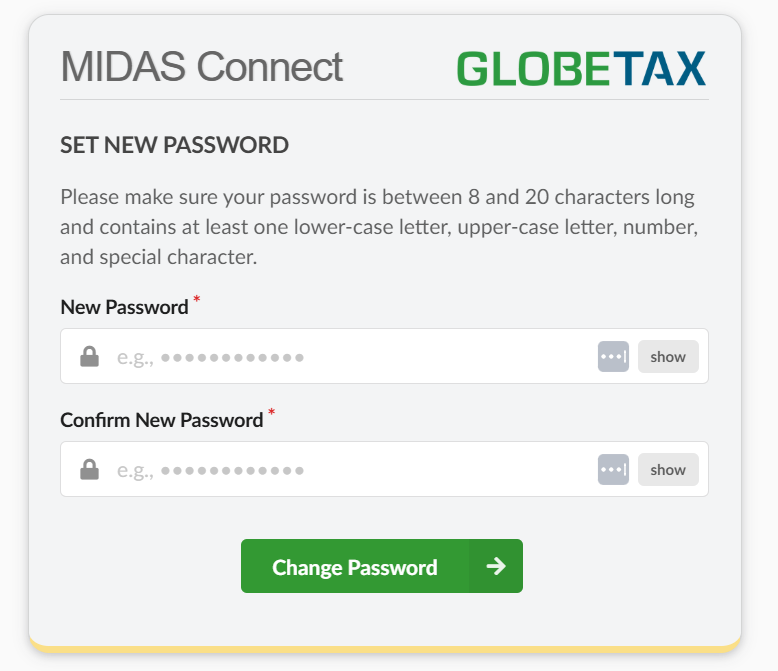
Upon clicking Sign In, you will be redirected to Set New Password. Enter a password which meets the requirements listed and click Change Password:
Once you have changed your password you will be logged into the site.